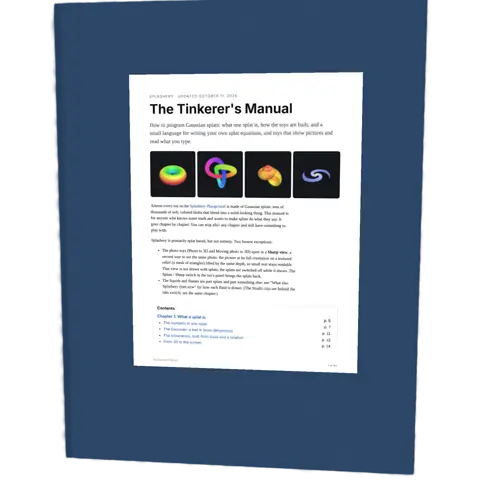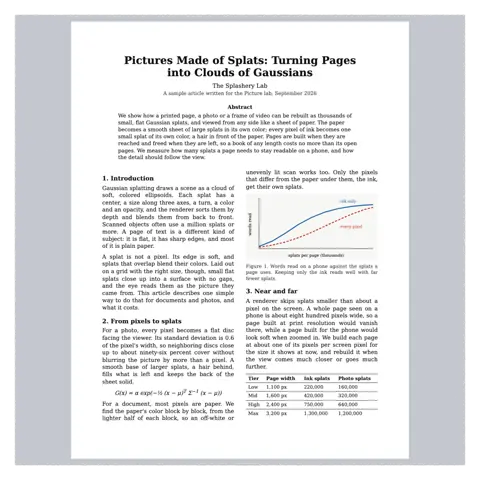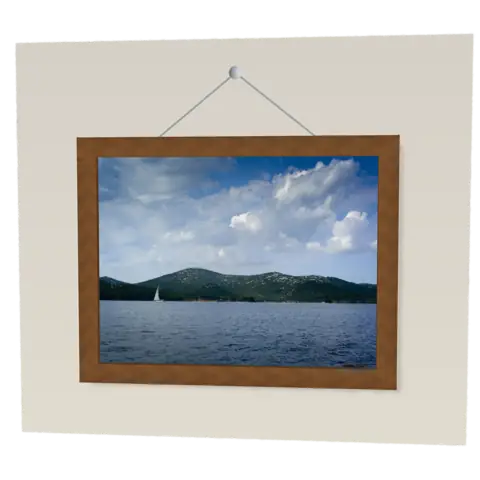
Photo Album. The same points, seen from the side. Drag down to look at it from above.
About 8 MB, on this tap only
Photo Album
A photo album keeps printed photos on thick pages.
- Shelf
- Pictures and Pages
- Kind
- Built from a recipe
- Your own
- Your own photos
- Sound
- Yes
- Licenses
- CC0, MIT, Apache-2.0
How to play
Tap the right page to turn on, the left to go back. With Pop out on (its button at the right), tap a photo to raise it.
Its controls
| Control | Kind | Range | Start |
|---|---|---|---|
| Turn the page | Tap | ||
| Turn the page | Button | ||
| Pop out | Switch | Off | |
| Draw a box | Switch | Off | |
| Pop-up layers | Switch | Off | |
| Cover | List | 3 choices | Leather |
| Captions | Setting | ||
| Reading | List | 2 choices | Both pages |
About it
A photo album keeps printed photos on thick pages. Small paper corners hold each photo by its four corners, so nothing is glued to the picture. Albums like this were common from the late 1800s, when cameras first let families take their own pictures.
Pick several photos of your own at once in the Splash tab and turn through them with a tap, or pull a page over by hand: two wide photos share a page, two tall ones sit side by side. Double-tap a page to fill the screen with it, or set Reading to One page. Pick a leather, linen or scrapbook cover.
Turn on Pop out with its button at the right of the stage, then tap a photo to lift it out of its corners toward you, with its depth worked out on this device. Tap another to lift it too, or a lifted one to lay it back. Pop-up layers splits it into cutout cards. Drag a lifted photo to tilt the album; the Depth slider sets its depth. Your photos stay on your device.
Details
- Splats
- Opens at 200,000 at Mid Detail, 56,034 at Low, and up to 261,490 at Max
- Turning
- Drag turns it left and right only, until Tilt lock is off
Sources and credits
| Work | By | License |
|---|---|---|
| The lighthouse | -anna-- | CC0 1.0 |
| Sailboat | leex6221 | CC0 1.0 |
| Tulips | Lucía Quiñónez | CC0 1.0 |
| Daffodils and tulips (CRW_2034) | patrick jourdheuille | CC0 1.0 |
| Barn A Glow | Alan Levine | CC0 1.0 |
| Seashell by the Seashore | samsonites89 | CC0 1.0 |
| Sharp hybrid picture faces | Ryan Kamp | MIT |
| Book Turn Page 2.wav (book-page.mp3) | esperri | CC0 1.0 |
Libraries
- Apache-2.0
- Depth Anything V2 Small, quantized ONNX (lane LSTUDIO, copied from Splashery)
- MIT
- ONNX Runtime Web 1.30.0 (its modules)